Every slide from your lecture video.
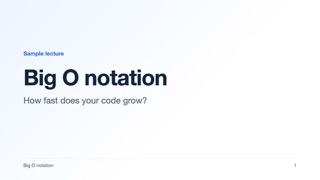
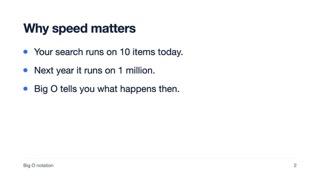
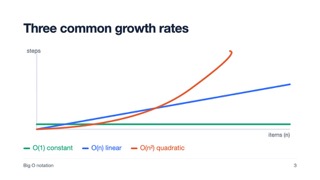
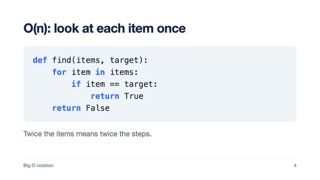
Pick a video. Get each slide once, in one clean PDF.
big-o-lecture.mp4
1:56 of 1:56
- Seconds of video checked
- 116
- Slides kept
- 7
- big-o-lecture.pdf
- 7 pages
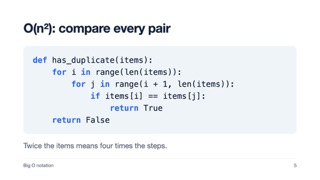
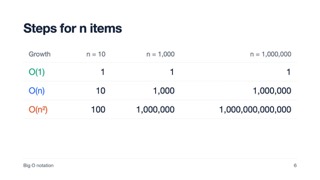
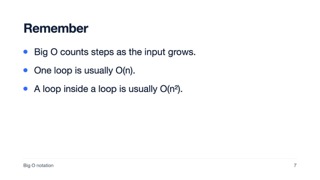
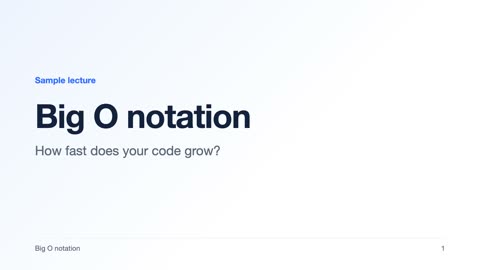
Any length of video, for a limited time.
- No sign up
- No limit on how many PDFs you make
- Your video never leaves your computer
Screenshots by hand take forever.
You sit through the whole lecture again, pausing for every slide. And you still end up with blurry pictures, slides missing points and the same slide twice.
By hand
39 min
SlideSift
75 s
For a 39 minute class, you watch all of it again by hand. SlideSift took 75 seconds on a MacBook.
 1
 2
 3
 4
 5
 6
 7
 8
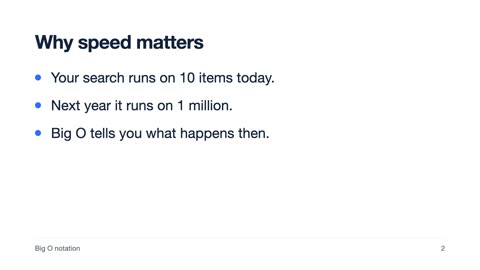
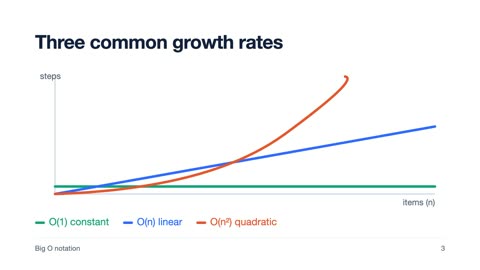
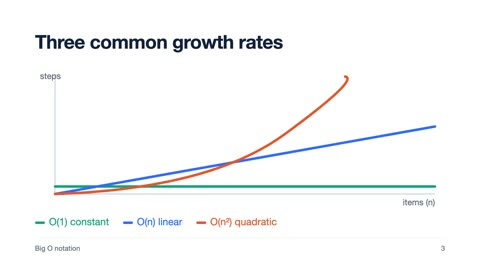
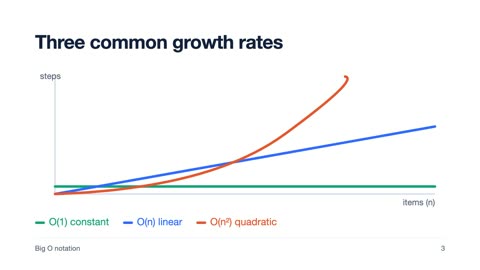
- Circled: kept. Crossed out: left out.
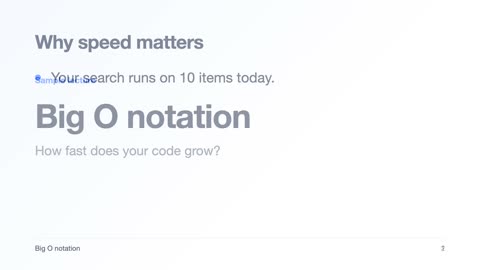
- 2 Two slides mixed together
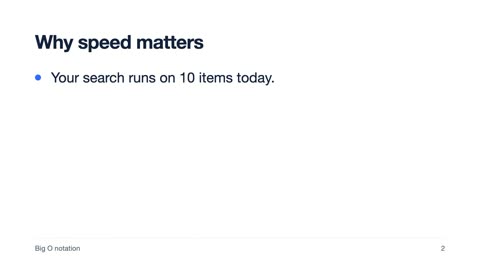
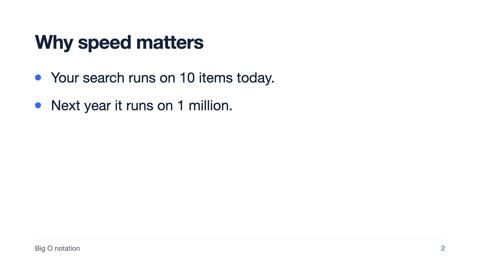
- 3, 4 Not all points shown yet
- 7 Same slide again
- 8 Slide repeated later
SlideSift keeps one clean picture of each slide.
No blurry pictures
Only the finished slide
No doubles
No shots of the teacher
Four steps to your PDF.
- 1
Pick a video
MP4, WebM or MOV, any length.
- 2
Check the slides
Remove any page you don’t need with one click.
- 3
Download the PDF
One slide per page, sharp and full size.
- 4
Add AI notes if you like
Short study notes for up to 10 slides. Five free a day.